Updated June 30, 2026 · Pricing and features verified 2026
Key takeaways
- Lemon Learning leads on no-code authoring: teams ship in-app guides in hours, no developers needed.
- Userpilot is the strongest no-code option for product-led onboarding in your own SaaS.
- Pendo and Whatfix add no-code guidance to deeper analytics and enterprise features.
- Pick by who builds the guidance and where it runs: internal apps or your own product.
The best no-code in-app guidance tools in 2026 are Lemon Learning for internal app adoption and Userpilot for product onboarding, with Pendo, Whatfix, and WalkMe close behind. We compared these 5 tools on how genuinely no-code they are, the range of guidance types (walkthroughs, tooltips, checklists, surveys), and where the guidance runs, internal business apps versus your own SaaS product, so a marketer or PM can ship a guide in minutes without engineering.
No-code in-app guidance tools at a glance
| Tool | Best for | No-code authoring | Runs on |
|---|---|---|---|
| Lemon Learning | Internal app adoption | Excellent | Web + desktop/legacy |
| Userpilot | Product-led onboarding | Excellent | Your SaaS product |
| Pendo | Guidance + analytics | Good | Your product |
| Whatfix | Enterprise self-help | Good | Web apps |
| WalkMe | Enterprise scale | Capable, heavier | Web + heavy apps |
1. Lemon Learning - best no-code authoring
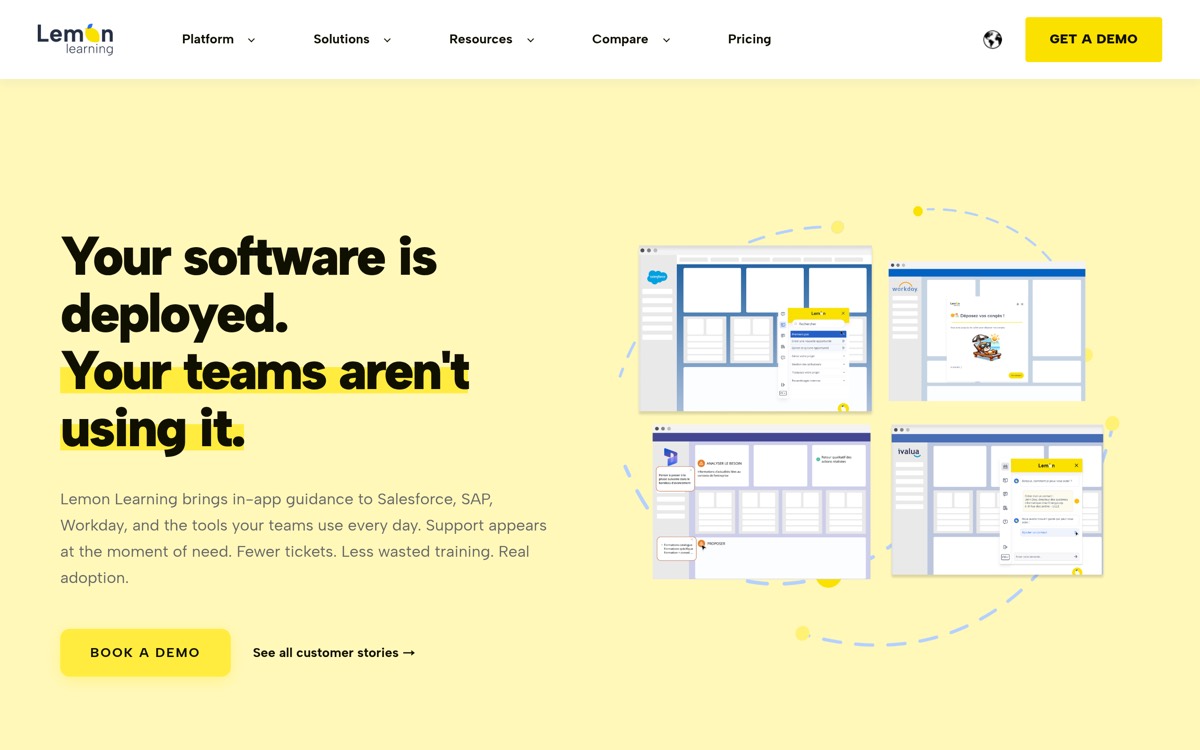
Lemon Learning is built around a no-code editor that lets teams create interactive, step-by-step guides in hours, without consultants or developers. It works across web apps like Salesforce, Microsoft 365, and Workday, and extends to complex desktop environments like SAP GUI and Citrix, so the same no-code workflow covers your whole stack. EU data residency comes by default.
Best for: Teams driving adoption of internal business apps with minimal overhead.
- Strengths: Genuinely no-code; ship guides in hours; broad web and desktop coverage; EU hosting.
- Limitations: Analytics less exhaustive than incumbents; smaller brand than WalkMe.
See it compared in Lemon Learning vs Whatfix.
2. Userpilot - best for product-led onboarding
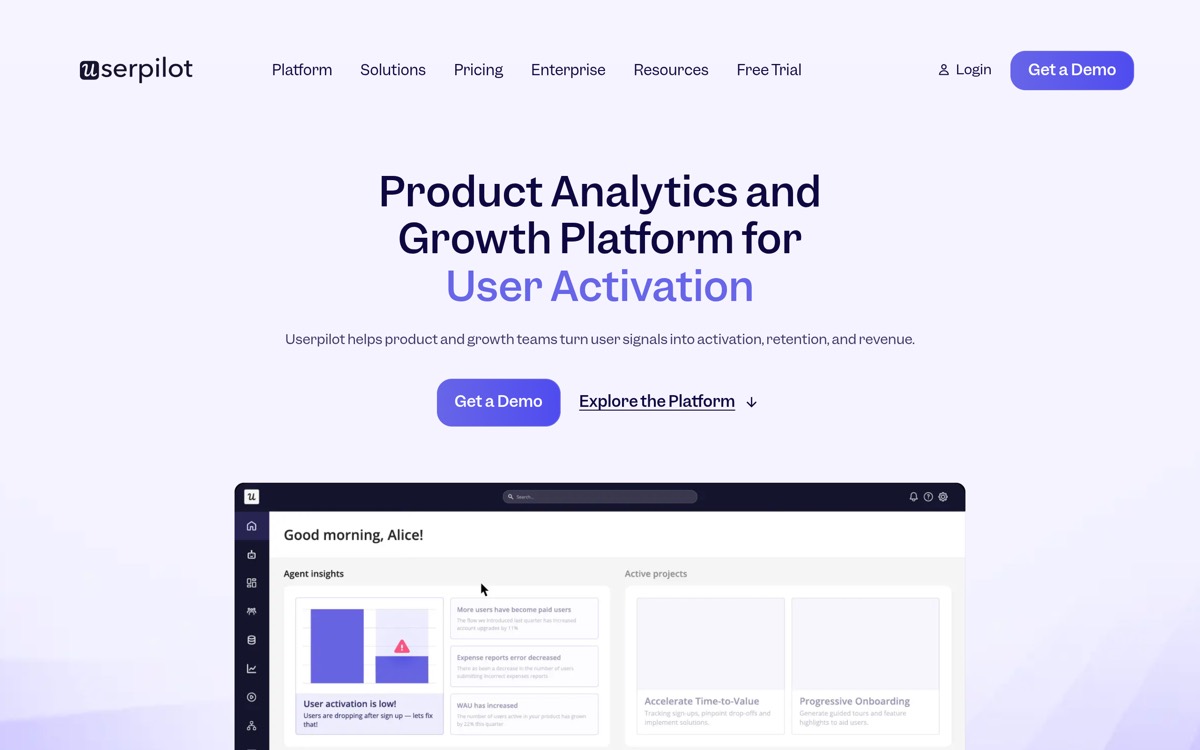
Userpilot is the strongest no-code choice for onboarding users inside your own SaaS product. Product teams build flows, tooltips, checklists, and surveys without code, then measure activation with built-in analytics. It also publishes entry pricing.
Best for: Product-led SaaS teams improving onboarding and activation.
- Strengths: No-code flows and surveys; product analytics; published pricing.
- Limitations: Web SaaS only; MAU-based pricing climbs at scale.
3. Pendo - no-code guidance with deep analytics
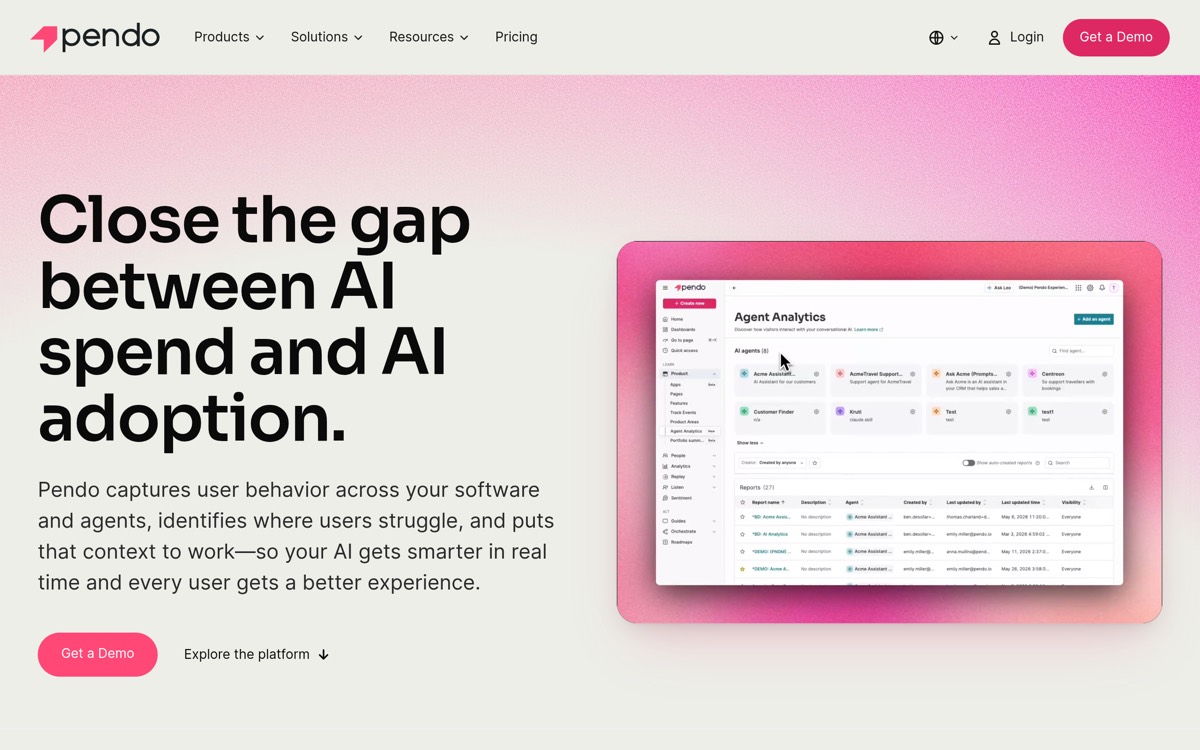
Pendo pairs no-code in-app guides with deep product analytics, so you can build guidance and understand exactly how users respond. A free tier up to 500 MAU lowers the barrier to start.
Best for: Product teams that want guidance and analytics together.
- Strengths: No-code guides; strong analytics; free tier.
- Limitations: Product-centric; MAU-based pricing; weaker for internal app adoption.
4. Whatfix - no-code authoring with enterprise self-help
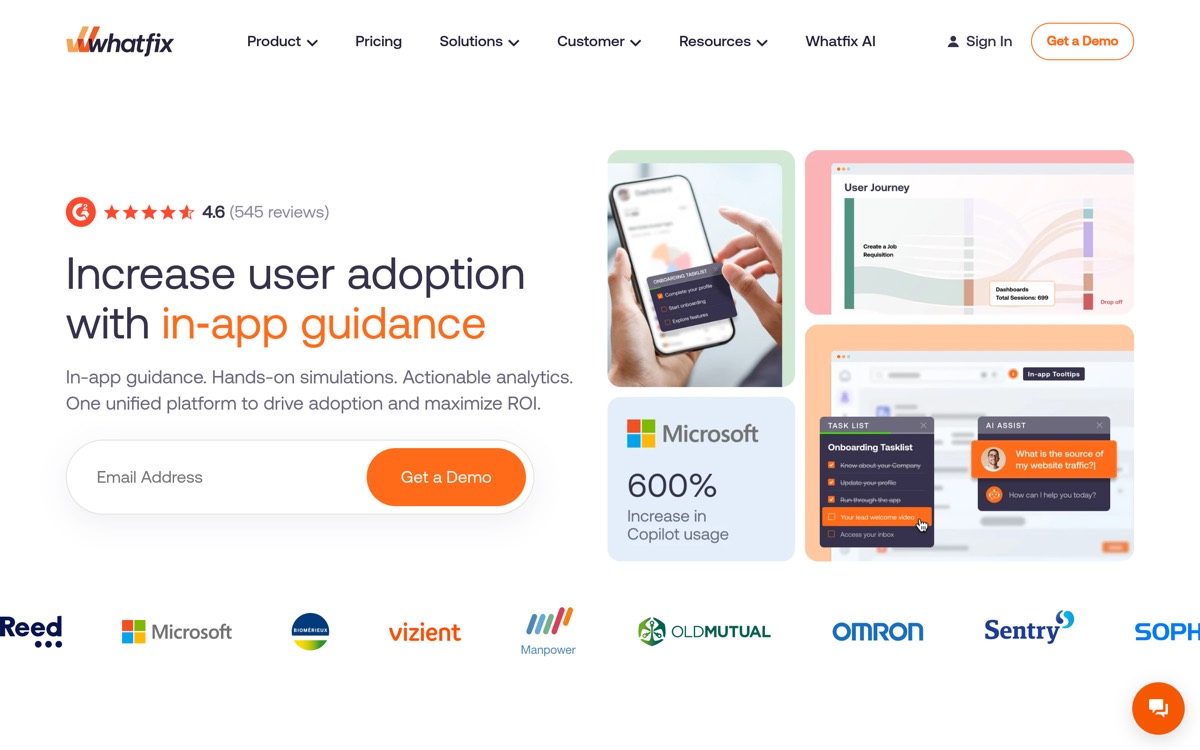
Whatfix offers no-code authoring alongside self-help and analytics, aimed at enterprises standardizing on web applications. It is capable and increasingly AI-assisted, though quote-only.
Best for: Enterprises that want guidance plus self-help on web apps.
- Strengths: No-code authoring; self-help; analytics and AI features.
- Limitations: Quote-only; web-first; implementation adds cost.
5. WalkMe - capable, but heavier

WalkMe can build sophisticated no-code guidance, but its power comes with weight: it is built for enterprise scale and typically needs a dedicated team to get the most from it.
Best for: Large enterprises that need no-code guidance at scale.
- Strengths: Powerful authoring; broad coverage; deep analytics.
- Limitations: Heavier setup; expensive; more than smaller teams need.
How to choose a no-code in-app guidance tool
First, decide where the guidance runs. If you are guiding employees through internal business apps, Lemon Learning and WalkMe reach across web and complex desktop systems; if you are onboarding users in your own SaaS, Userpilot and Pendo are purpose-built. Then test the authoring yourself: a true no-code editor should let a non-developer build and publish a guide in one sitting. Lemon Learning and Userpilot are the easiest to get moving with; the enterprise suites are more capable but heavier.
Frequently asked questions
What is the easiest no-code in-app guidance tool? Lemon Learning is among the easiest for internal app adoption, with a no-code editor that lets teams ship guides in hours. Userpilot is the easiest for onboarding inside your own SaaS product.
Do these tools require developers? No. All are designed for no-code authoring, though enterprise suites like WalkMe and Whatfix often involve more setup and may benefit from technical help at scale.
Can no-code guidance work on desktop apps? Lemon Learning and WalkMe extend to complex desktop and legacy environments; most product-focused tools (Userpilot, Pendo) are web-only.